Driver and overlay workflow
Identify the GPU and installed driver, keep a baseline, then compare one change in a supported PC game.
One starting point for NVIDIA reporting and practical PC help. Driver support, a DLSS feature, an AI demonstration and a gaming benchmark are different evidence.
By Tech Life Hybrid · Published and source-checked . Linked reports and reference guides keep their own dates.
Identify the GPU and installed driver, keep a baseline, then compare one change in a supported PC game.
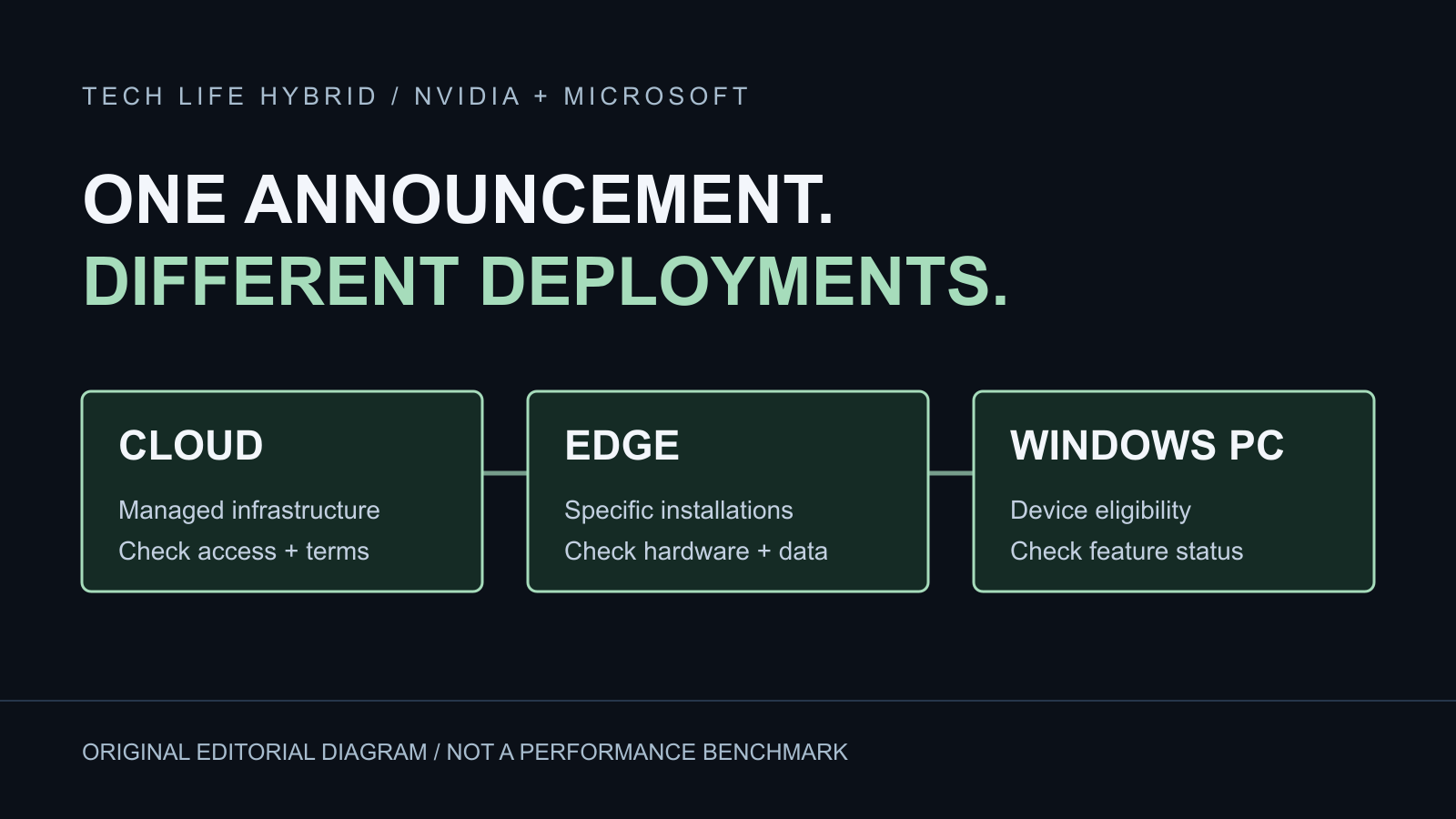
Separate Microsoft's and NVIDIA's cloud, edge, local demonstration and preview-service claims.
Use the existing RTX 5090/5070 reference guide as component education, not a current-price quote or a measured game comparison.
Record the workload, frame time, display and system conditions instead of blaming a component from one FPS number.
Use the free arithmetic tool to understand a target. A calculated budget is not a measurement of your PC.
Browse dated company headlines and original reports with individual source and evidence boundaries.
NVIDIA's official driver page provides manual product selection and distinguishes Game Ready and Studio workflows. Its current version fields need JavaScript; this source check did not establish a newest driver number. Use the exact GPU, operating system and current release notes—not an old article's version—as your starting point.
Open NVIDIA's official driver selector. This link does not install, update or change anything on your computer.
NVIDIA describes separate rendering, reconstruction and frame-generation technologies, with compatibility tied to hardware and game support. Check the named feature and your exact game/build in NVIDIA's compatibility information. An option in another game is not evidence that your game supports it.
When comparing your own settings, record resolution, upscaling mode, frame-generation state, scene and capture method. Label generated-frame counts separately from any latency or responsiveness observation. We have not benchmarked a GPU or reproduced a vendor demonstration for this page.
Our current GTA VI guides cover the documented PS5 and Xbox Series X|S release. This NVIDIA desk does not announce a GTA VI PC edition, driver support, DLSS integration or PC system requirements.
OPEN THE GTA VI PLAYER GUIDESManufacturer descriptions remain attributed to the manufacturer. This is an AI-assisted editorial directory and original measurement-planning advice, not a hands-on review, endorsement or guarantee of a fix. Tech Life Hybrid is independent of NVIDIA and Rockstar.
Editorial standards · Send a correction